Sync Button
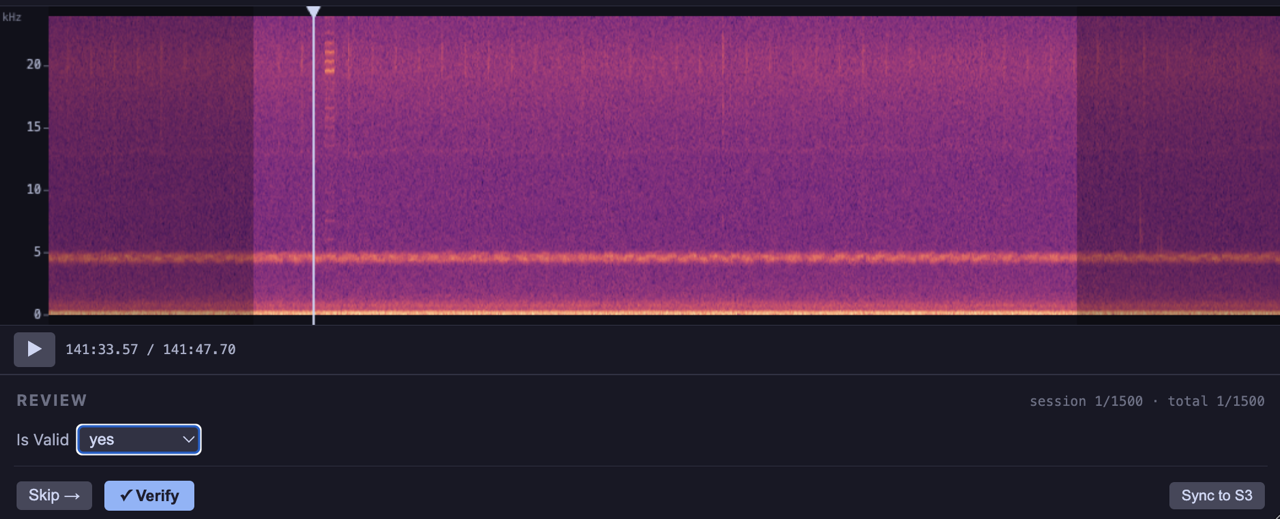
The output parameter on BioacousticAnnotator accepts a dict with a uri (or url) field. When configured, a Sync button appears in the bottom-right of the form panel. Clicking it uploads the current output file to the remote location, overwriting the remote copy.
ba = BioacousticAnnotator(
    data='detections.csv',
    audio='recording.flac',
    output={
        'path': 'outputs/reviews.csv',
        'uri': 's3://my-bucket/project/reviews.csv',
        'sync_button': 'Sync to S3',
    },
    ...
)
ba.open()| Key | Type | Description |
|---|---|---|
path | str | (required) Local output file path |
uri / url | str | Remote destination for sync |
sync_button | bool or str | Show sync button. true → “Sync”, string → custom label |
recursive | bool | For directory uploads |
secrets | list | Auth kwargs — same {key, value} format as data_secrets |
Programmatic Sync
You can also sync programmatically with ba.sync(), which gives slightly more control — you can override the destination or pass different auth credentials per call:
ba.sync()
ba.sync(dest='s3://backup-bucket/reviews.csv')
ba.sync(profile_name='prod', region_name='us-east-1')
Set sync_button: false in the config to hide the button while still allowing ba.sync() from the notebook.
Audio IO Module
Sync is powered by the jupyter_bioacoustic.audio module, which can also be used directly for generic file reads and writes across local, S3, GCS, and HTTPS backends. The router dispatches based on the URI scheme — dependencies are imported lazily so only the backend you use needs to be installed.
from jupyter_bioacoustic.audio import io| Prefix | Backend | Dependency |
|---|---|---|
s3:// | AWS S3 | boto3 |
gs:// | Google Cloud Storage | google-cloud-storage |
http://, https:// | HTTPS (read-only) | requests |
| anything else | Local filesystem | (none) |
Reading Audio
io.read_segment() decodes an audio segment from any source. For remote files it uses partial byte-range downloads by default — only the bytes around the requested segment are transferred.
raw, sr = io.read_segment('s3://bucket/recording.flac', start_sec=100, dur_sec=15)
raw, sr = io.read_segment('https://example.com/audio.flac', start_sec=0, dur_sec=5)
raw, sr = io.read_segment('local_file.flac', start_sec=30, dur_sec=10)
Writing Files
io.write() uploads local files to S3 or GCS. Use recursive=True for directory uploads (e.g. partitioned parquet).
io.write('output.csv', 's3://bucket/project/output.csv')
io.write('output_dir/', 's3://bucket/project/output/', recursive=True)Authentication
Auth kwargs are passed through to the backend:
| Backend | Kwargs |
|---|---|
| S3 | profile_name, region_name, client |
| GCS | project, credentials, client |
| HTTPS | cookies, auth, token (Bearer), headers |
io.write('output.csv', 's3://bucket/output.csv', profile_name='my-profile')
io.read('https://example.com/data.csv', dest='local.csv', token='my-token')
Walkthrough Notebook
The Sync & Audio IO notebook walks through sync configuration, reading, writing, listing, and standalone spectrogram rendering with working examples.